Ask three vendors for the price of restaurant billing software and you will get three numbers that cannot be compared: one quotes a monthly fee, one a one-time licence, one "starts from" a figure that excludes everything you need. This is how a restaurant billing software price is actually built in India in 2026, with typical figures, so you can compare quotes on the same basis.
The figures below are typical ranges we see in the market as of 2026. Quotes vary by city, vendor and volume; use them to sanity-check, not to negotiate.
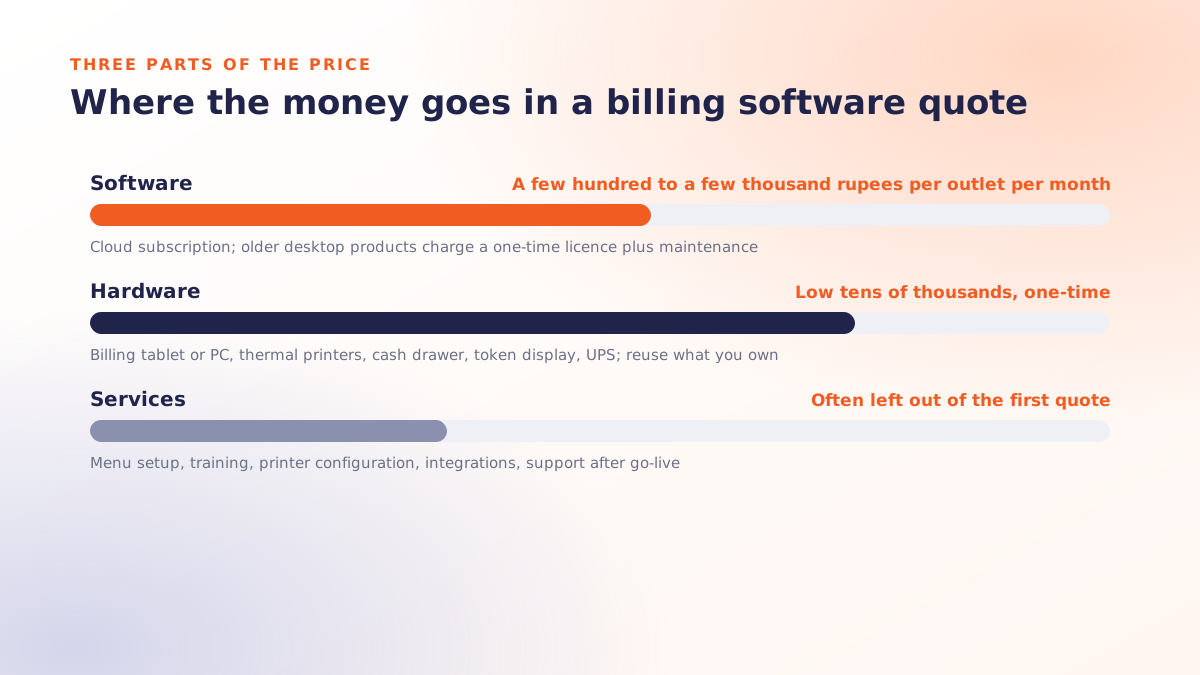
A quote has three parts
- Software: the licence or subscription for the billing system itself.
- Hardware: the devices the software runs on and prints from.
- Services: setup, training, integrations and support after go-live.
Any quote that shows only the first part is not a price, it is a starting point.
1. Software: the three pricing models
| Model | Typical 2026 figure | Watch for |
|---|---|---|
| Cloud subscription, per outlet per month | A few hundred to a few thousand rupees, depending on terminals and modules | Per-terminal charges, module add-ons, price rise at renewal |
| One-time desktop licence | Low to mid five figures per outlet, one-time | Annual maintenance charge, paid updates, you own the backups |
| Per-bill or per-order fee | A small charge on every transaction | Cheap at 50 bills a day, expensive at 500 |
The subscription model dominates because it includes hosting, backups and updates, and because a cloud system is what makes multi-outlet reporting possible. The trade-off is that the fee never stops. The one-time model suits a single outlet that will never change, which describes very few restaurants.
2. Hardware: what you need and what it costs
- Billing device. An Android tablet or a small PC. Tablets are the cheaper option and enough for most counters; a PC helps if the cashier also runs the back office.
- Thermal printers. One for bills at the counter and one per kitchen station. Kitchen printers should be the robust kind: heat, oil and a cook's thumb are hard on hardware.
- Cash drawer. Only if cash is still a large share of your sales.
- Token or kitchen display. Any TV or monitor works for a token display; a kitchen display needs a screen per station and usually a small licence.
- UPS. Cheap insurance. Billing that survives a power cut is worth more than any feature.
Most single-outlet setups land in the low tens of thousands of rupees one-time. You can nearly always reuse a printer or tablet you already have; ask the vendor to configure existing hardware before you buy new.
3. Services: the part that gets left out
This is where a low quote turns into a normal one after signing. Ask whether each item is included, and if not, what it costs:
- Menu setup: every item, variant, add-on, combo and tax rate entered and checked.
- Staff training, at the outlet, on a slow shift.
- Printer and network configuration, including the kitchen.
- Integrations: online ordering, aggregators, payment devices, accounting export.
- Support: hours, channels, and whether anyone can physically come to the outlet.
- Adding a terminal, a user or an outlet later.
The costs nobody quotes
- Downtime. A billing system that stops when the internet stops costs you orders, not rupees on an invoice. Ask for an offline billing demonstration before you compare prices at all.
- Lock-in. Can you export every bill, your menu and your customer list if you leave? If not, the exit cost is the real price.
- The owner's evenings. A system with bad reports costs you an hour a day forever. That is more than any subscription.
How to compare two quotes properly
- Put both on a three-year basis: software for 36 months, hardware once, services once, support renewals as charged.
- Add the cost of one extra terminal and one extra outlet, because you will want both.
- Subtract nothing for "free" modules you will not use in year one.
- Divide by your monthly bill count. A billing system that costs less than a rupee per bill is cheap; one that costs five is not, however low the monthly fee looks.
If one of the quotes is zero, read what free restaurant billing software actually costs before choosing it.
How Qmanja prices it
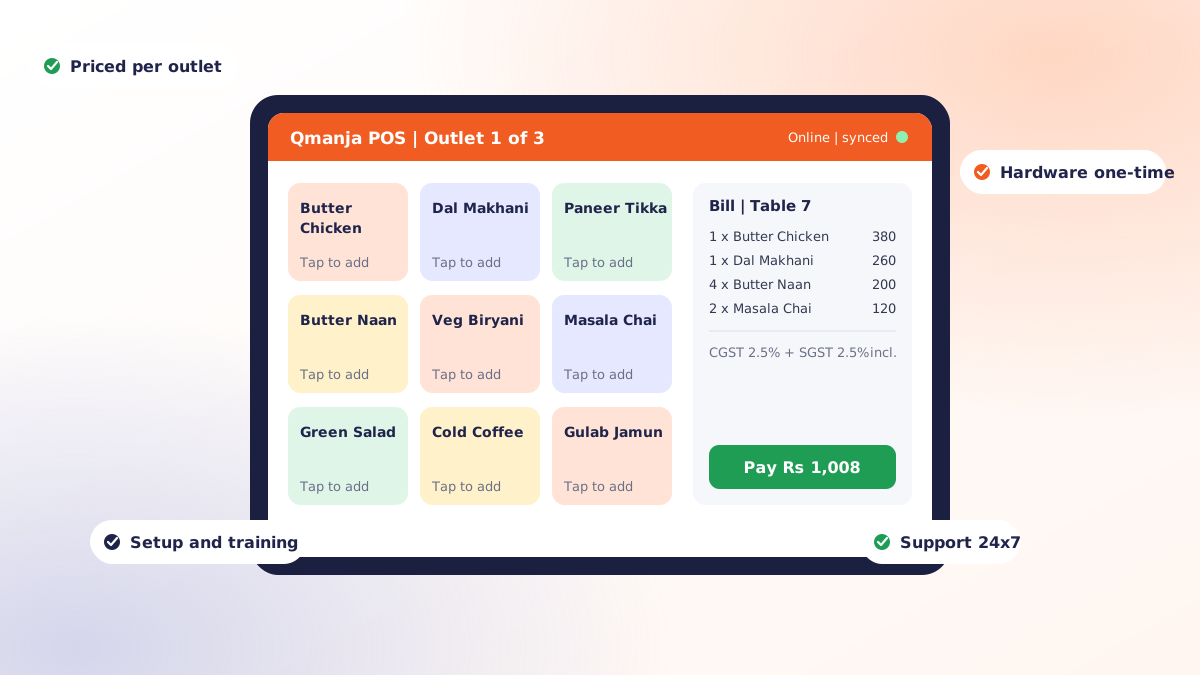
Qmanja's restaurant billing software is priced per outlet against your menu size and order volume, with billing, KOT, stock, staff and reporting in one product rather than sold as modules. Hardware is a one-time cost, and we configure what you already own where we can. In Chandigarh, Mohali and Panchkula the setup and training happen at your outlet; elsewhere we do it remotely with the same 24x7 support.
For a quote on your setup rather than a "starts from" figure, book a free demo and tell us your outlets, terminals and daily bill count.
 Dine-In, In-Car, Delivery & Pickup
 Smart Billing & Tax
 KOT & Kitchen Workflow
 Inventory & Reports
 Fast Order Processing