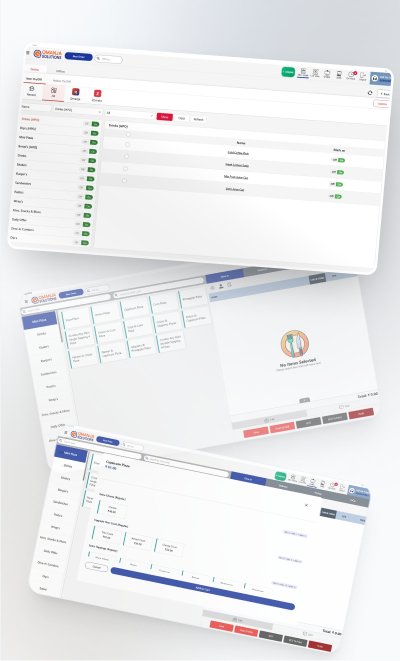
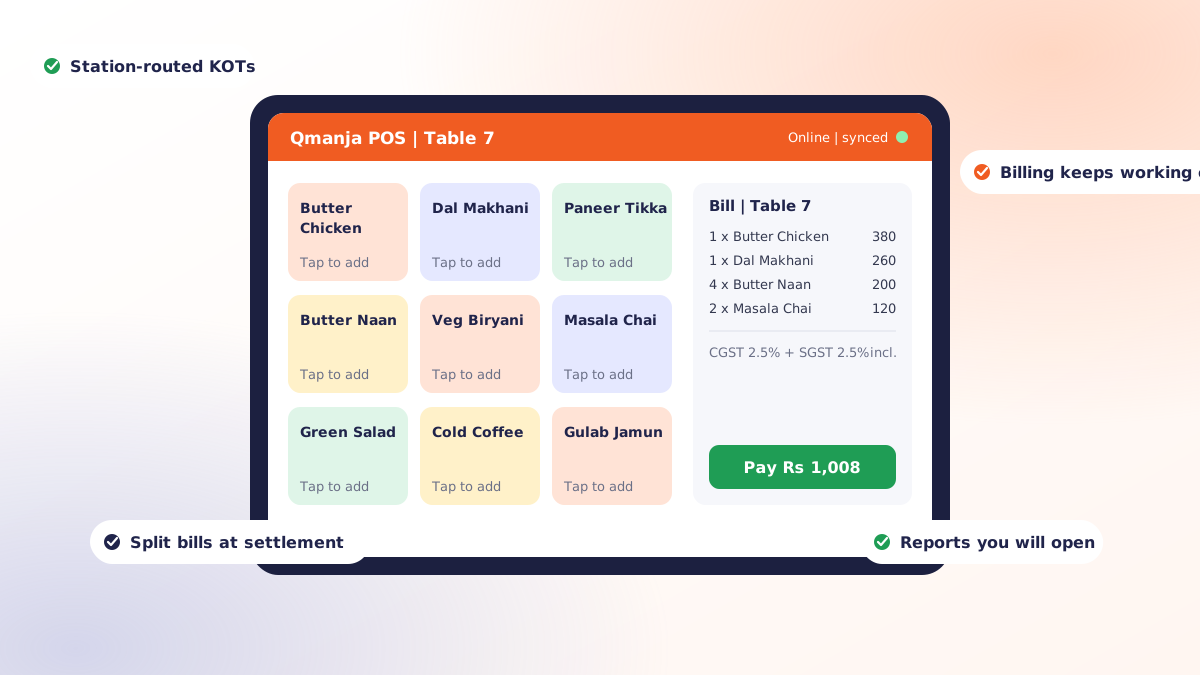
A restaurant POS system is judged on a Saturday night, not in a demo. Every product looks capable when a salesperson is driving it with four test items. The question worth answering is what happens when there are nineteen tables seated, three delivery riders waiting and a kitchen printer that has just run out of paper.
This is the checklist we walk owners through before they commit to any restaurant POS, in the order the questions actually matter.
1. Does it model a kitchen, or just a shop?
This is the first filter and it eliminates a surprising number of products. A retail point of sale scans an item and takes money. A restaurant POS has to handle:
- Tables, covers and course timing
- Modifiers and add-ons that change price and recipe
- KOT routing so each station gets only its own items
- Splitting one bill across guests, or merging several tables into one
- Order types with different economics: dine-in, takeaway, delivery, in-car, pickup
If a demo cannot show you a split bill and a station-routed KOT in the first ten minutes, it is a retail system wearing a restaurant label.
2. What happens when the internet drops?
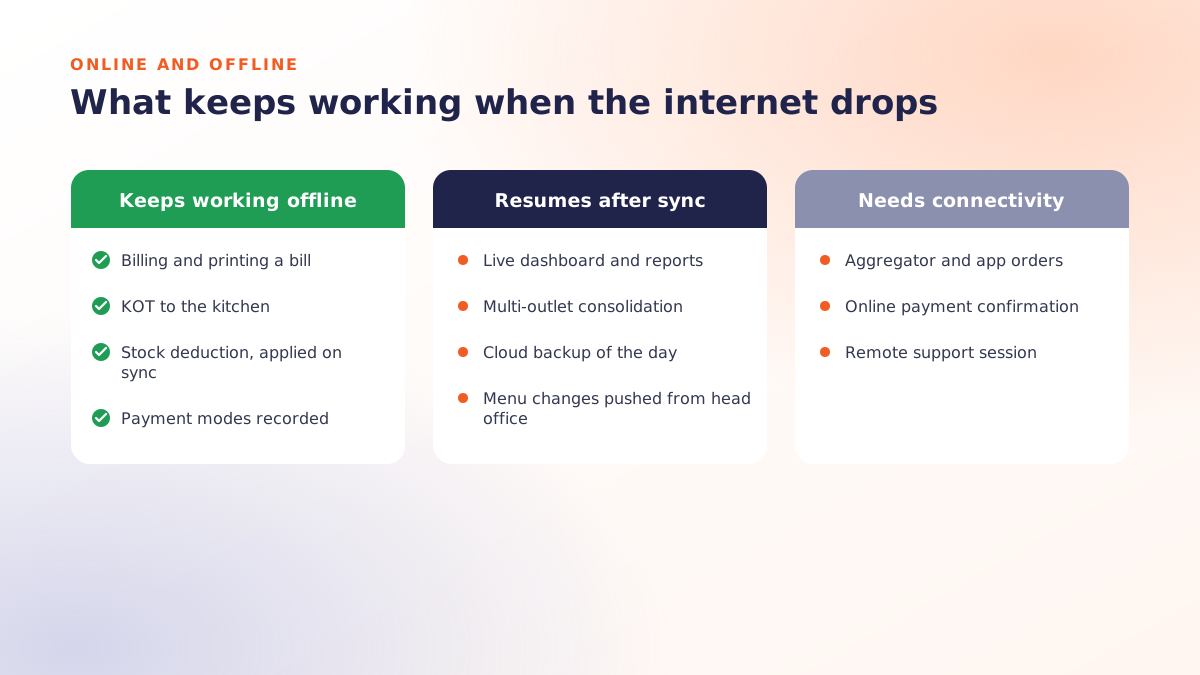
Ask this bluntly and watch the answer. A cloud POS that stops billing during an outage will cost you a service, which is why offline POS billing is the first thing worth testing. The behaviour you want is that orders, KOTs and printed bills continue from the device, queue locally, and sync the moment the connection returns.
What legitimately needs connectivity is live dashboards, cross-outlet consolidation and aggregator order intake. Billing is not on that list.
3. How fast is the busiest path?
Count the taps from a seated guest to a fired KOT. In a good system it is a handful. In a bad one it is a dozen, and that difference multiplies by every order, every day, forever.
Time three specific flows during your demo: adding a repeat order to an open table, applying a discount that needs approval, and settling a bill split between cash and UPI.
4. Does the reporting answer real questions?
Reports look impressive and are mostly unread. The ones that change decisions are narrow:
| Question | Report that answers it |
|---|---|
| What should I promote this week? | Item sales ranked by contribution, not volume |
| Am I overstaffed on Tuesdays? | Sales by hour against roster cost |
| Where is stock disappearing? | Theoretical vs actual consumption by recipe |
| Who is discounting heavily? | Discount value by user and reason code |
| Is delivery actually profitable? | Margin by order type after commission |
5. Will it grow with a second outlet?
Even if you have one location today, ask how a second one works. A good online POS should let you push a shared menu and pricing structure down to every branch, while each keeps its own stock, roster and day-end. Consolidated reporting should be a single login, not a spreadsheet you assemble on Sundays.
The wrong answer is "you would just buy a second licence and manage them separately". That is not multi-outlet support; that is two systems.
6. What does it connect to?
A POS that cannot talk to anything else becomes an island. Check for:
- Online orders from aggregators and from your own customer app, landing directly in the same queue as walk-ins
- Payments: UPI, cards and wallets settled without a second device
- Accounting: a clean daily export rather than manual re-entry
- Menu displays: digital menu boards that reflect a price change without anybody editing a poster
7. Who owns the data, and can you get it out?
Your sales history is one of the few genuinely valuable assets a restaurant accumulates. Before signing, confirm you can export full transaction-level data in a standard format, on demand, without a fee. If the answer is vague, treat it as a no.
8. What does support look like at 9pm on a Saturday?
Software problems do not respect office hours, and a POS failure during peak service is a revenue event, not an IT ticket. Ask for the actual escalation path, the hours it covers, and whether it costs extra. Then ask for a reference from a restaurant of similar size and call them.
9. What is the total first-year cost?
Add it up honestly: subscription, hardware, installation, training, data migration, integrations, and support. Compare that against the alternative you already run. A POS that costs more but recovers two hours a day of management time and cuts wastage by a few percent is not the expensive option.
A short version of the checklist
- Kitchen workflow modelled properly, not retail-adapted
- Billing continues offline and syncs later
- Fewest taps on the busiest path
- Reports that answer decisions, not vanity metrics
- Real multi-outlet support even if you have one outlet today
- Integrations for online orders, payments, accounting and screens
- Full data export, free and on demand
- Support that exists during service hours
- Honest total first-year cost
Qmanja POS was built against this list because we kept watching restaurants outgrow systems that failed items two, five and six. If you want to test it against your own menu and your own busiest hour, book a free demo.
 Dine-In, In-Car, Delivery & Pickup
 Smart Billing & Tax
 KOT & Kitchen Workflow
 Inventory & Reports
 Fast Order Processing