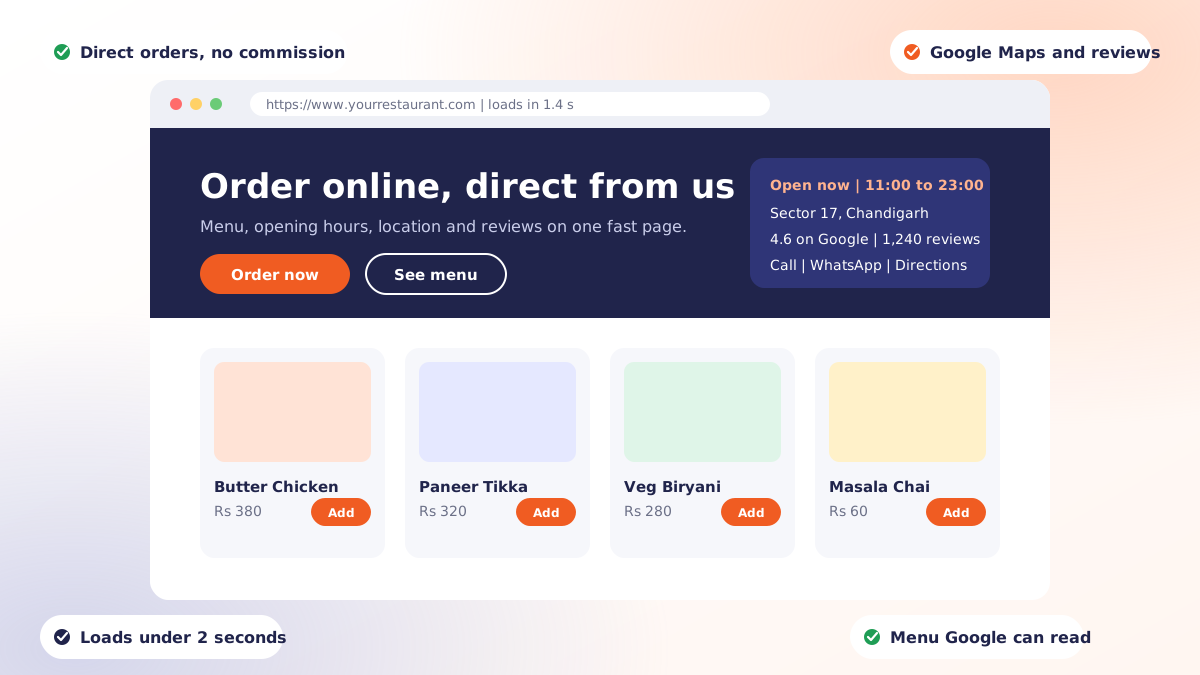
Most restaurant websites are brochures. They open with a full-screen photograph, a line about passion for authentic flavours, and a menu locked inside a PDF that takes eleven seconds to load on mobile data. They look fine and they sell nothing.
A restaurant website has a narrow job: help someone who is already interested decide to come in or order. Everything that does not serve that job is decoration.
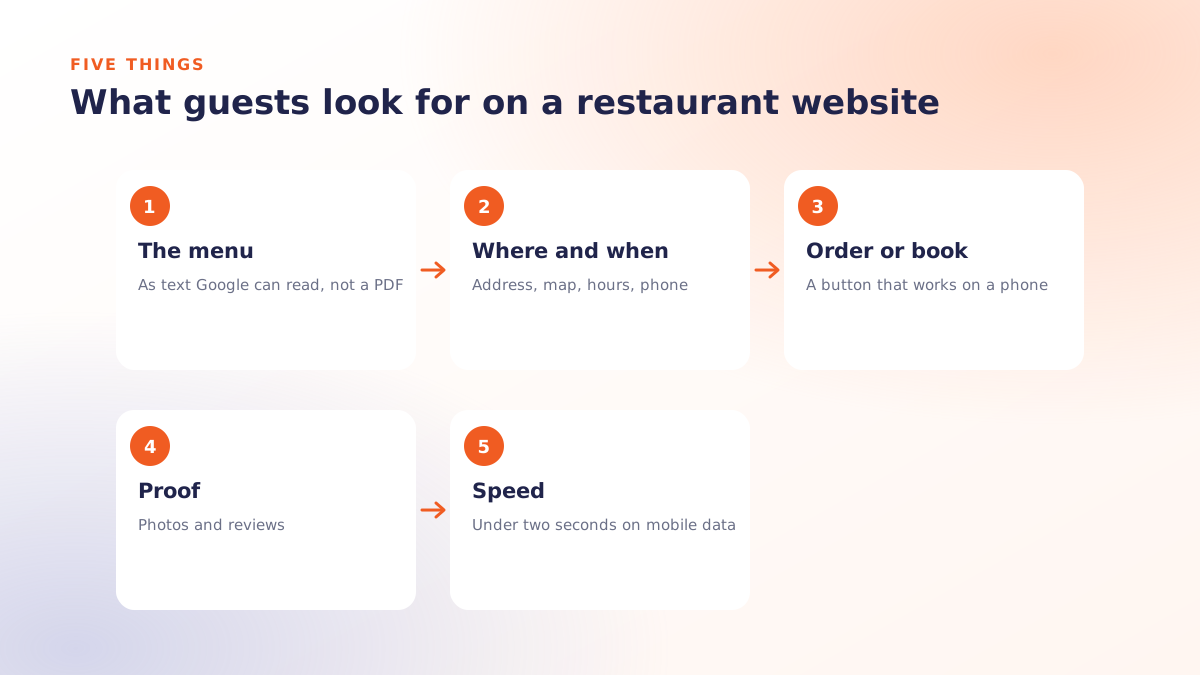
The five things guests actually look for
Watch what people do on a restaurant site and the pattern is consistent. In rough order of frequency:
- The menu, with prices. Not a PDF. Readable text that loads instantly.
- Opening hours. Including today, and including holidays.
- Where you are. Address plus a map link that opens the phone's map app.
- A phone number that dials on tap.
- How to order or book. One obvious button, not three competing ones.
If those five are not answerable within a few seconds of landing, the rest of the site is irrelevant. Guests leave and open a delivery app instead, which is the outcome the website existed to prevent.
Why the PDF menu keeps costing you
It deserves its own section because it is so common. A PDF menu:
- Downloads as a file rather than rendering as a page, which is slow on mobile data
- Requires pinch-and-zoom on a phone, where most of your traffic is
- Is largely invisible to search engines, so your dishes never appear in search results
- Goes stale, because updating it means finding the designer who made it
Publishing the menu as ordinary web text fixes all four at once, and lets individual dishes rank for the searches people actually make.
Local SEO: the three things that move the needle
Restaurant search is local search, and three fundamentals do most of the work:
| Fundamental | What it means in practice |
|---|---|
| Google Business Profile | Claimed, complete, correct hours, real photos, and reviews you actually respond to |
| Consistent NAP | Name, address and phone identical everywhere they appear: site, profile, aggregators, directories |
| Fast mobile pages | Content visible in about 2.5 seconds on a mid-range phone on mobile data |
Beyond that, write about where you are and what you serve in normal language. A page that naturally mentions the neighbourhood, the cuisine and the occasions you cater for will outperform one stuffed with keyword variations, because it reads like it was written for a person.
Speed, and the reason yours is slow
It is almost always the photography. A single unoptimised hero image straight from a camera can be several megabytes, which on mobile data is the difference between a guest reading your menu and a guest leaving.
The fixes are unglamorous and effective:
- Resize images to the largest size they are ever displayed at, and no larger
- Serve modern formats such as WebP
- Set explicit width and height so the page does not jump as images load
- Lazy-load anything below the first screen, but never the main hero image
- Keep third-party scripts to the few that genuinely earn their place
That last one matters more than people expect. Every chat widget, pixel and embedded feed competes with your menu for the same connection.
Features that rarely earn their cost
- Auto-playing background video. Expensive to load, muted by default, skipped by everyone.
- Splash pages and intro animations. A delay between a guest and your menu.
- Image carousels of the dining room. Nobody swipes them; they cost load time.
- A blog with three posts from two years ago. Either commit to it or leave it off.
- Newsletter popups on arrival. Ask after you have been useful, not before.
Hosting and the boring essentials
An SSL certificate is not optional; browsers mark sites without one as not secure, which is a poor first impression for a business handling orders. Beyond that, you want hosting close to your customers, automatic backups, and someone to call when something breaks on a Sunday. Our website, hosting and SSL service exists because most restaurants would rather not assemble those three from separate suppliers.
Connecting the site to everything else
A website that stands alone becomes stale by default. The version that stays current shares a source of truth with the rest of your operation: menu and pricing from Qmanja POS, ordering that hands off to your customer app, and the same item data feeding digital menu boards in the restaurant. Change a price once and it lands in every place a guest can see it.
If you want a straight assessment of what your current site is costing you, get in touch and we will look at it with you.
 Dine-In, In-Car, Delivery & Pickup
 Smart Billing & Tax
 KOT & Kitchen Workflow
 Inventory & Reports
 Fast Order Processing