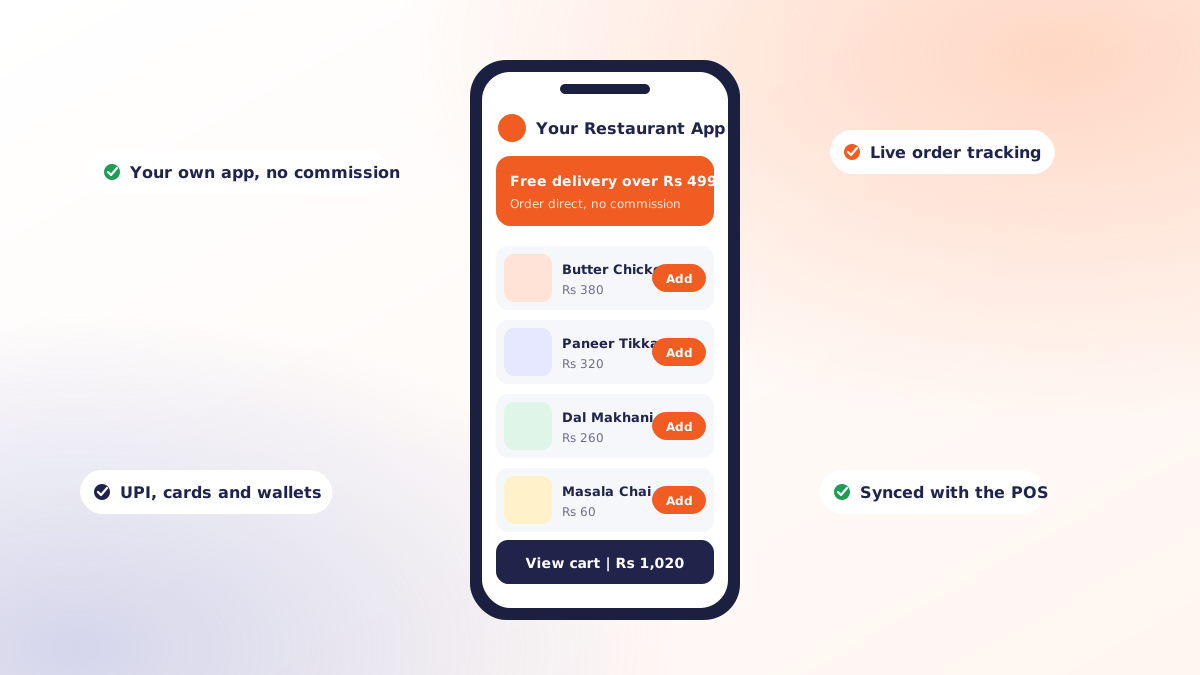
A restaurant app is not a smaller version of an aggregator. It is a direct channel to the guests you have already won: the regulars who know what they want, order the same thing most weeks, and are currently costing you commission every time they do it through somebody else's platform.
This piece covers what actually goes into restaurant app development, which features earn their place in version one, how long it genuinely takes, and the point at which owning the channel beats renting it.
What a restaurant app is for
Be precise about the job before choosing features. Most restaurant apps exist to do one of three things:
- Take repeat orders cheaply. Your regulars already decided they like you. The app removes the commission from that transaction.
- Own the relationship. Aggregators hold the customer data. Your own app gives you the ordering history, the contact permission and the ability to bring someone back.
- Speed up the room. Scan-at-table ordering cuts the wait between sitting down and being served, which turns tables faster.
An app trying to do all three at once in version one usually does none of them well.
Features that belong in version one
| Feature | Why it makes the cut |
|---|---|
| Menu with photos and live availability | An out-of-stock item that can still be ordered generates a refund and a complaint |
| Cart, checkout and online payment | The core transaction; include cash on delivery where your market expects it |
| Order tracking | Removes the single largest source of "where is my food" calls |
| Reorder from history | The highest-converting screen in any restaurant app |
| Push notifications | Free reach to people who already opted in |
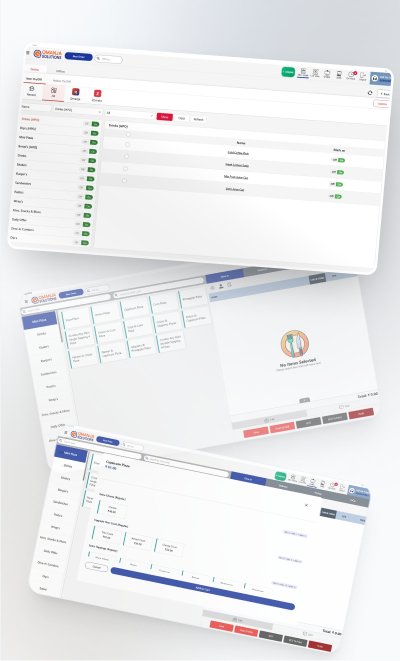
| POS integration | Without it, staff retype every order during peak service |
Features that can wait
Loyalty points, referral schemes, table reservations, subscriptions, in-app chat and gamified rewards are all reasonable ideas. They are also the features most often built, launched and never used, because they were specified before anyone knew how the app would actually be used. Ship version one, watch three months of behaviour, then decide.
What drives the cost
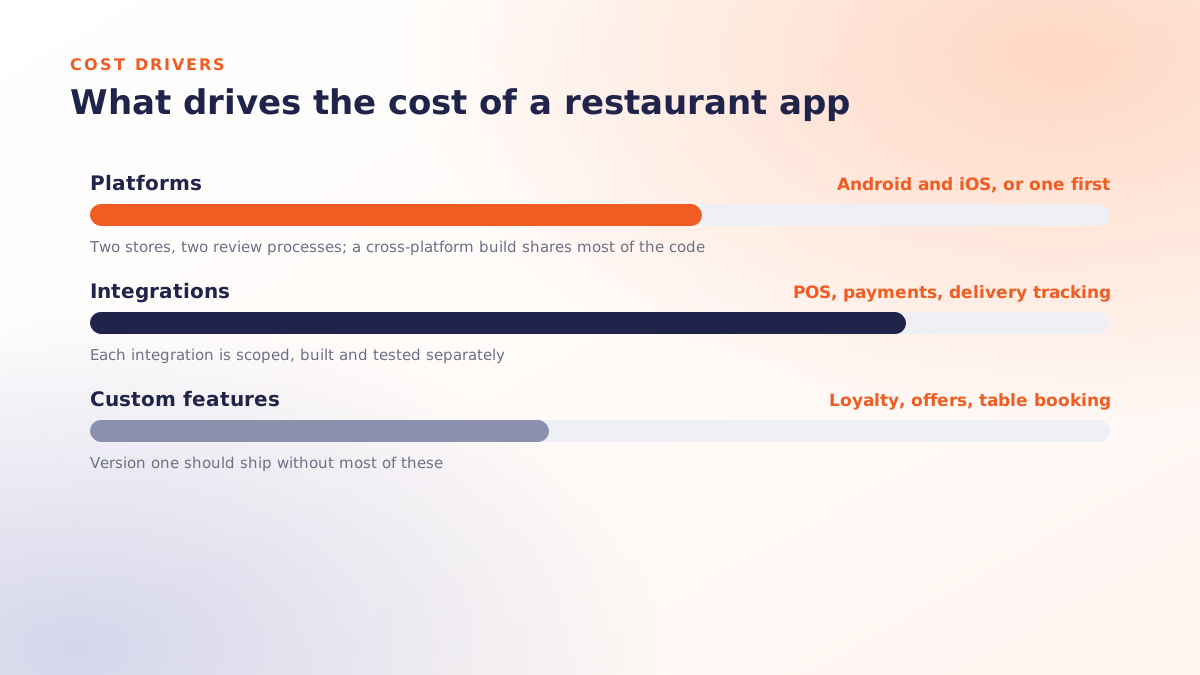
Restaurant app development pricing varies enormously, and the variation is rarely about the visible screens. The real cost drivers are:
- Integrations. POS, payment gateway, delivery tracking and invoicing each add build and testing time. An app with no integrations is cheap and largely useless.
- Number of apps. A customer app is one thing. A rider app and a manager app are separate products with their own logic.
- Design depth. A templated interface costs a fraction of a fully custom one, and for many restaurants converts just as well.
- Platform strategy. A cross-platform build such as Flutter produces Android and iOS from one codebase. Native builds double much of the work.
- Content readiness. Menu photography, descriptions and pricing being ready on day one removes weeks of waiting.
Ask any quote to separate one-time build from ongoing costs: hosting, store fees, payment gateway charges, maintenance and OS-update compatibility work. The second list runs forever.
A realistic timeline
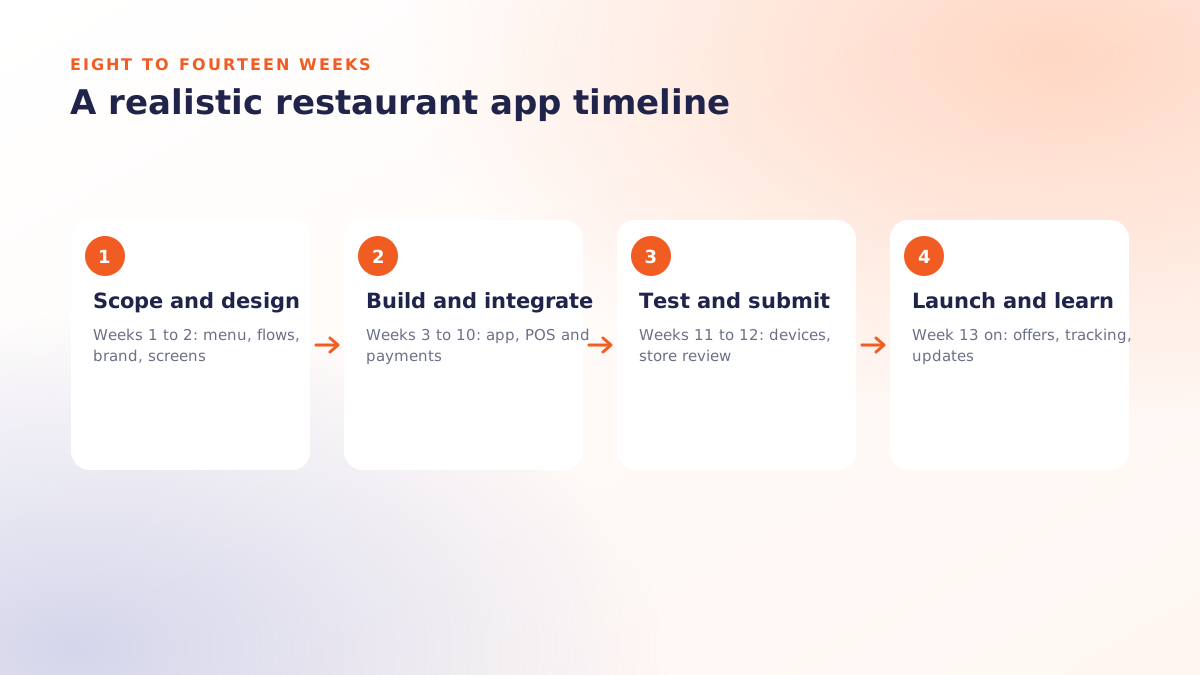
| Stage | Typical duration | What happens |
|---|---|---|
| Scope and design | 1-2 weeks | Feature list locked, screens designed and approved |
| Build | 6-10 weeks | Apps, admin panel, POS and payment integration |
| Testing | 1-2 weeks | Real devices, real menu, edge cases like failed payments |
| Store submission | 3-10 days | Play Store and App Store review |
Eight to fourteen weeks end to end is a fair expectation for a focused ordering app. Anything promised in two weeks is a template with your logo on it; anything quoted at nine months has scope that needs cutting.
When an app beats aggregator commission
The arithmetic is simple and worth doing on your own numbers. Aggregator commission is a percentage of every order, permanently. An app is a fixed build cost plus modest running costs, regardless of volume.
The crossover depends on how many of your regulars you can move to direct ordering. In practice the restaurants that succeed at this do three things: they put the app in front of guests at the moment of highest goodwill (on the bill, on the packaging, on the screen above the counter), they give a small standing reason to order direct, and they make reordering a two-tap operation.
Restaurants that build an app, announce it once and never mention it again do not reach the crossover. The app is not the strategy; the channel shift is.
Launch mistakes worth avoiding
- Launching with a menu that differs from the counter. Prices must match everywhere on day one.
- No plan for the first bad order. Decide refund and re-delivery policy before you need it.
- Skipping POS integration to save budget. This reappears as chaos during your first busy evening.
- Treating install count as success. The metric that matters is repeat orders per active user per month.
- No offline promotion. Your best acquisition channel is the guest already sitting in your restaurant.
Where to start
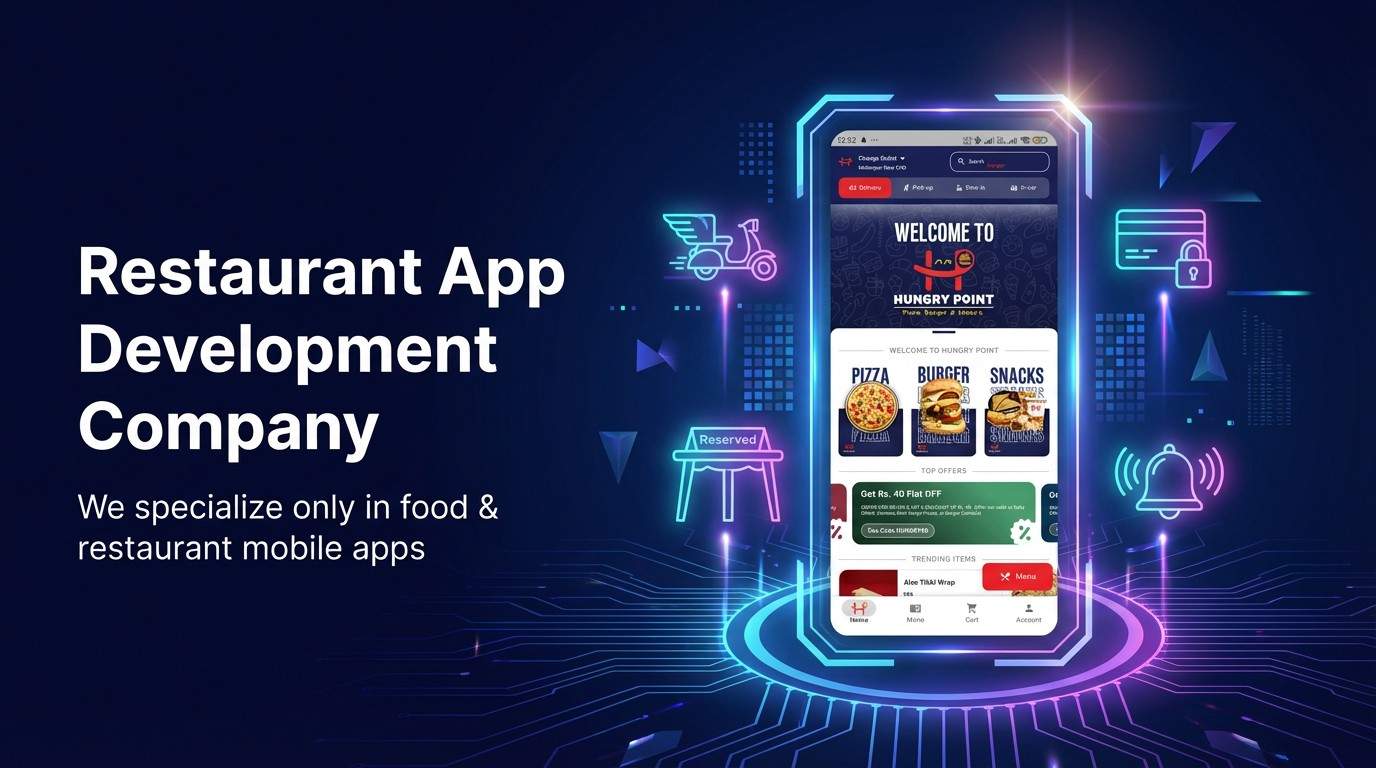
We build customer ordering apps for Android and iOS that connect directly to Qmanja POS, so an app order behaves exactly like a counter order: it enters the same queue, fires the same KOT and lands in the same reports. You can see the full scope on our restaurant app development page, or book a free demo to walk through it against your menu.
 Dine-In, In-Car, Delivery & Pickup
 Smart Billing & Tax
 KOT & Kitchen Workflow
 Inventory & Reports
 Fast Order Processing